Working with specs
A repository is where you write and maintain a set of rules. Each repository belongs to you or to an organization, and has its own page on LemmaBase.
Creating a repository
Go to Create repository and choose an owner (your account or an organization you belong to), give it a name, and pick who can see it. LemmaBase creates a starter file you can edit right away.
Visibility
When you create a repository you choose who can read and write it. Public repositories are visible to everyone. Organization repositories are visible to members of that organization. Private repositories are visible only to people you have given access to.
| Visibility | Who can read | Who can write |
|---|---|---|
| Public | Anyone, including visitors who are not signed in | Repository members; org owner or manager for org-owned repositories |
| Organization | Members of the owning organization | Org owner or manager, or explicit repository members |
| Private | Repository members; org owner or manager for org-owned repositories | Same as read for org repos; members for personal repos |
Renaming
If you rename a repository, old links keep working. When ownership is transferred to someone else, visitors are redirected to the new location automatically.
The editor
Open a repository to work on your draft. You can have multiple files in one repository, and LemmaBase checks your rules as you write. If something is wrong, you will see an error and publishing is blocked until you fix it.
The editor has three views. Source is where you write. Run lets you try your rules with sample data without publishing. Split shows both side by side.
You can also use rules that others have published. The syntax for that is described on Lemma.run (opens in new tab) .
Visitors who are not authors see the latest published version. As an author you can switch between published versions in the editor, but published versions themselves cannot be edited.
Run view
Run is how you check that your rules do what you expect before you publish. LemmaBase builds an interactive form from your rule set: each input field matches a data slot in your spec, with the labels, units, and help text you wrote. Change the values and the outcomes update right away.
The results panel shows every rule and its calculated value. Under each result you can read a step-by-step explanation of how Lemma arrived at that answer, including any conditions that fired or vetoes that blocked the calculation. Longer explanations can be expanded in place. This makes it much easier to spot mistakes than reading source alone.
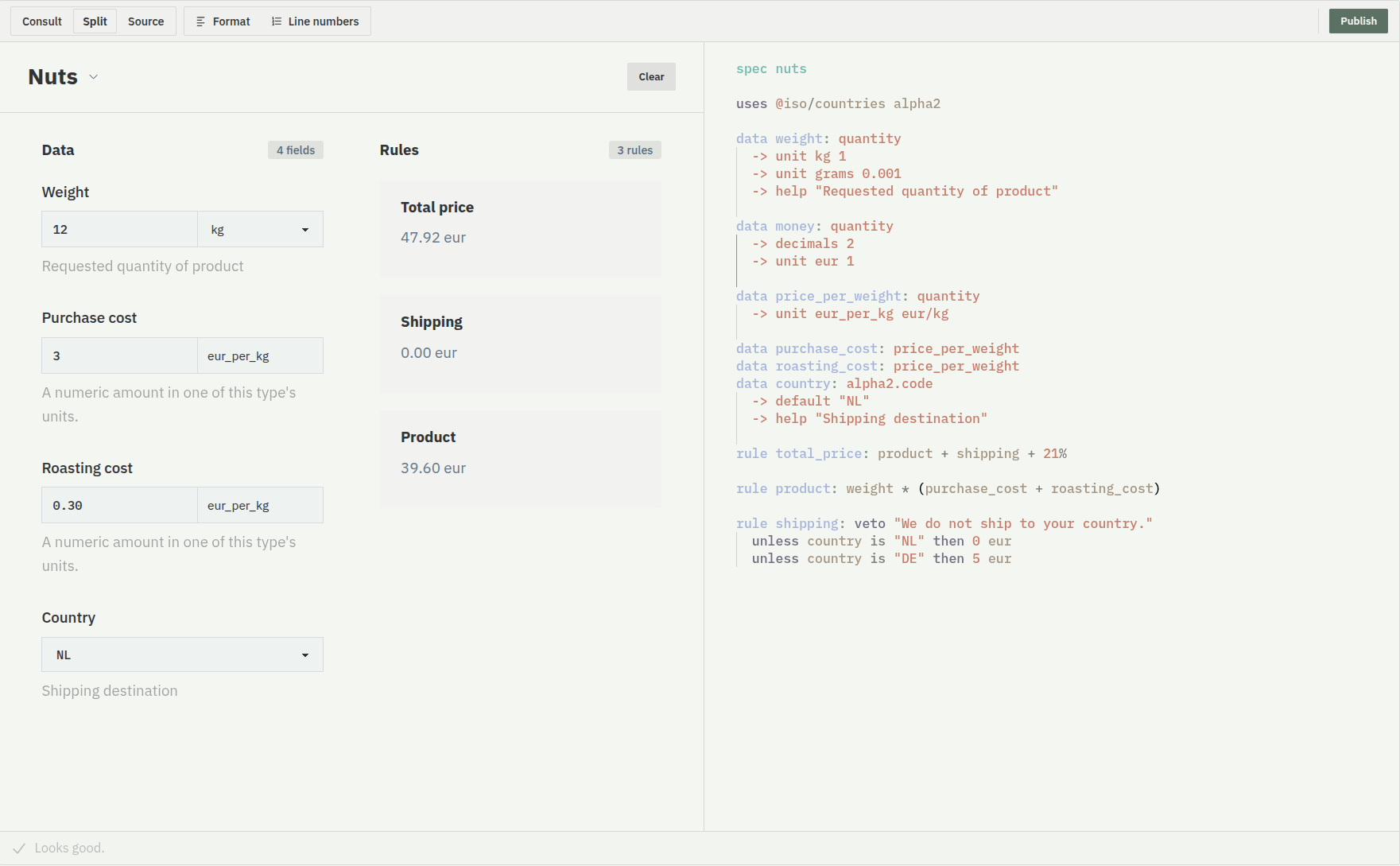
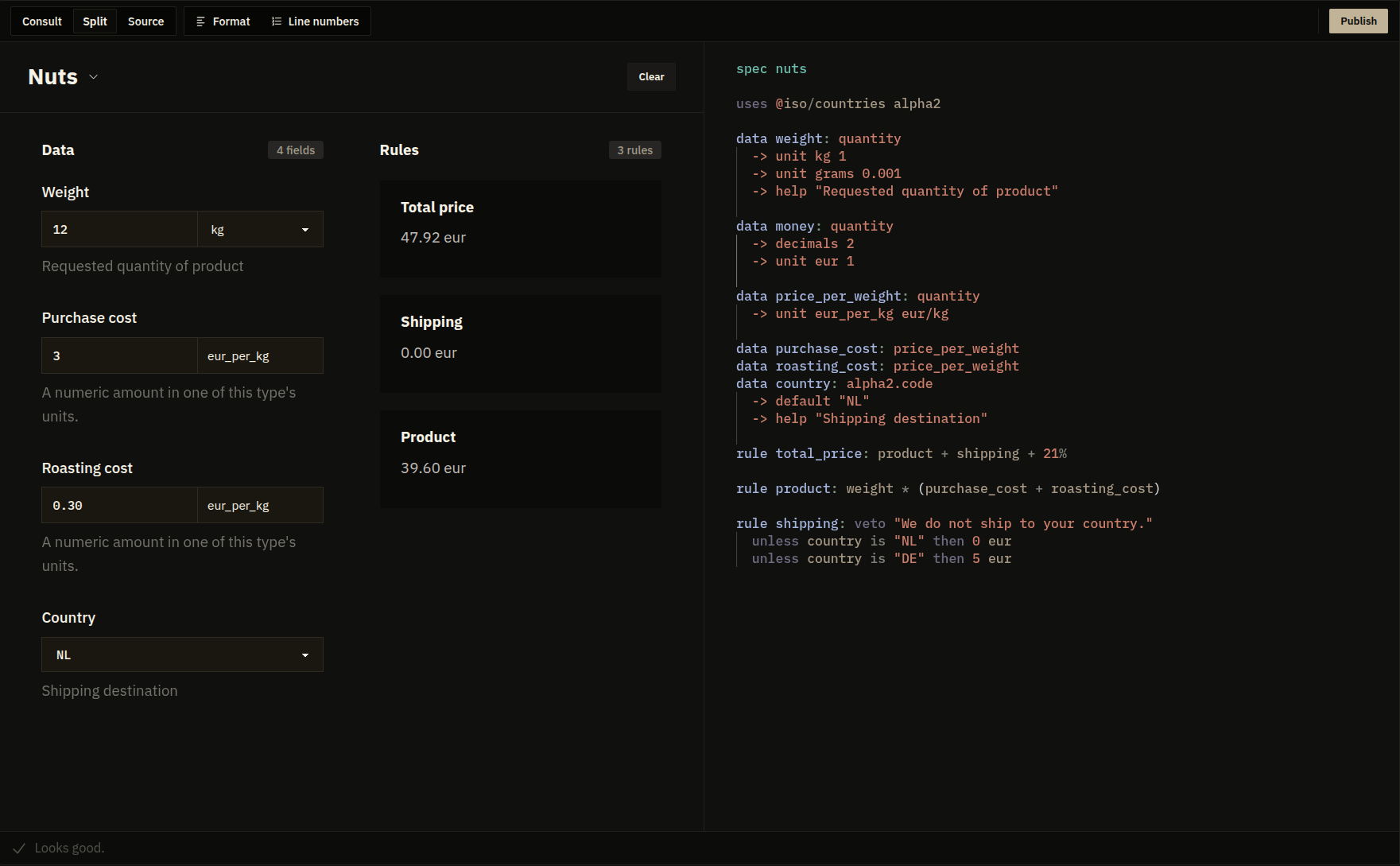
Run works on your draft or on any published version, and runs entirely in the browser. Use it while you are writing, or to walk someone through how a published rule set behaves.
Settings and transfer
Repository owners can rename the repository, change its visibility, delete it, or transfer ownership to someone else. Transfers are confirmed by email before they take effect.